I designed this site. Then I built it.
Goodmood, design made with good mood.
Goodmood is my personal portfolio site. is my portfolio site. I designed it, wrote the spec for it, and built it myself with AI.
This page is about the second half: what I handed to AI, what I kept, and where I decided to stop.
overview
The hard part wasn’t building the site. It was staying the one making the decisions.
I wanted a portfolio I could keep changing myself, so I connected Figma to Cursor through MCP and built it with AI.
The limit showed up fast. AI executes quickly, but it doesn’t hold intent, it will build something that runs and still misses the point.
So this became a project about control, not speed: how do I keep design direction and final quality in my hands while something else does the typing?
Define Before I Build
Before asking AI to build anything, I defined what it needed to understand.
A vague idea in my head isn’t a brief. If I re-explained the site every session, the build would drift from the design, and I’d have nothing to point at when the output was wrong.
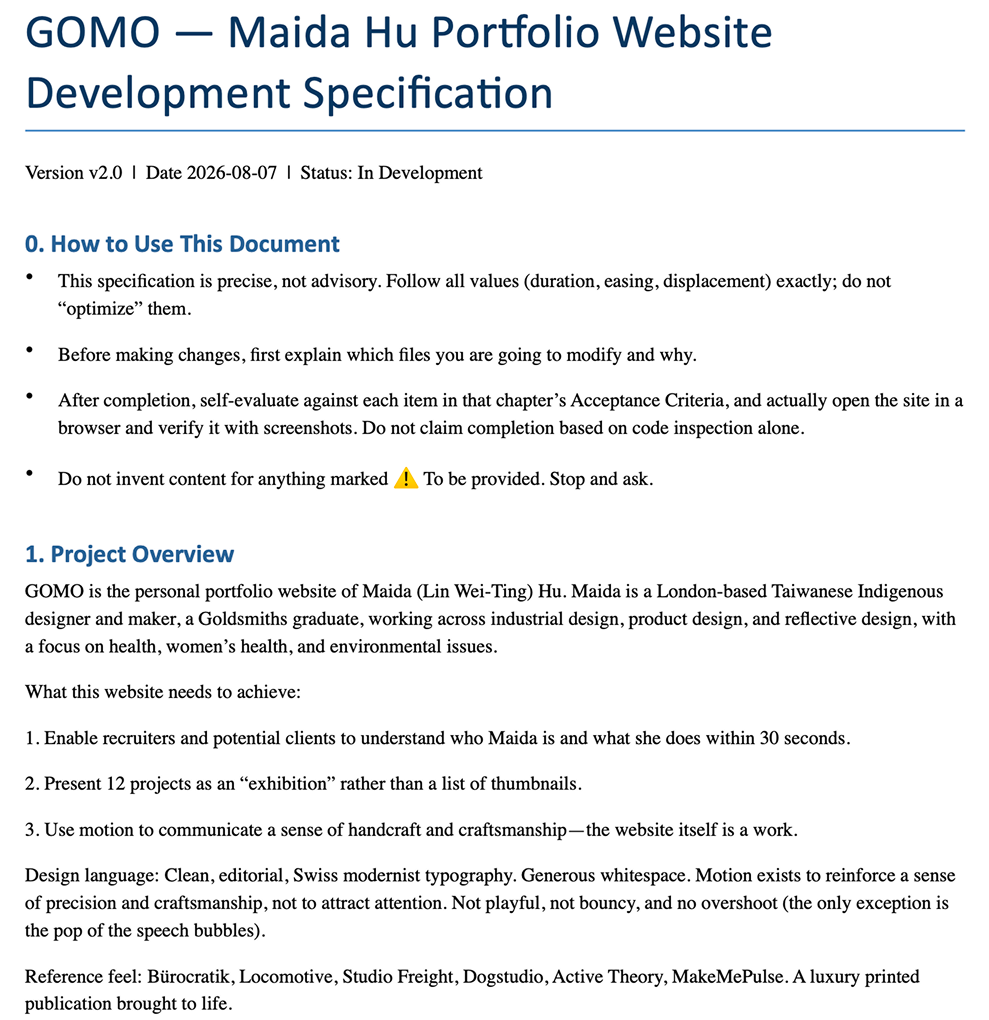
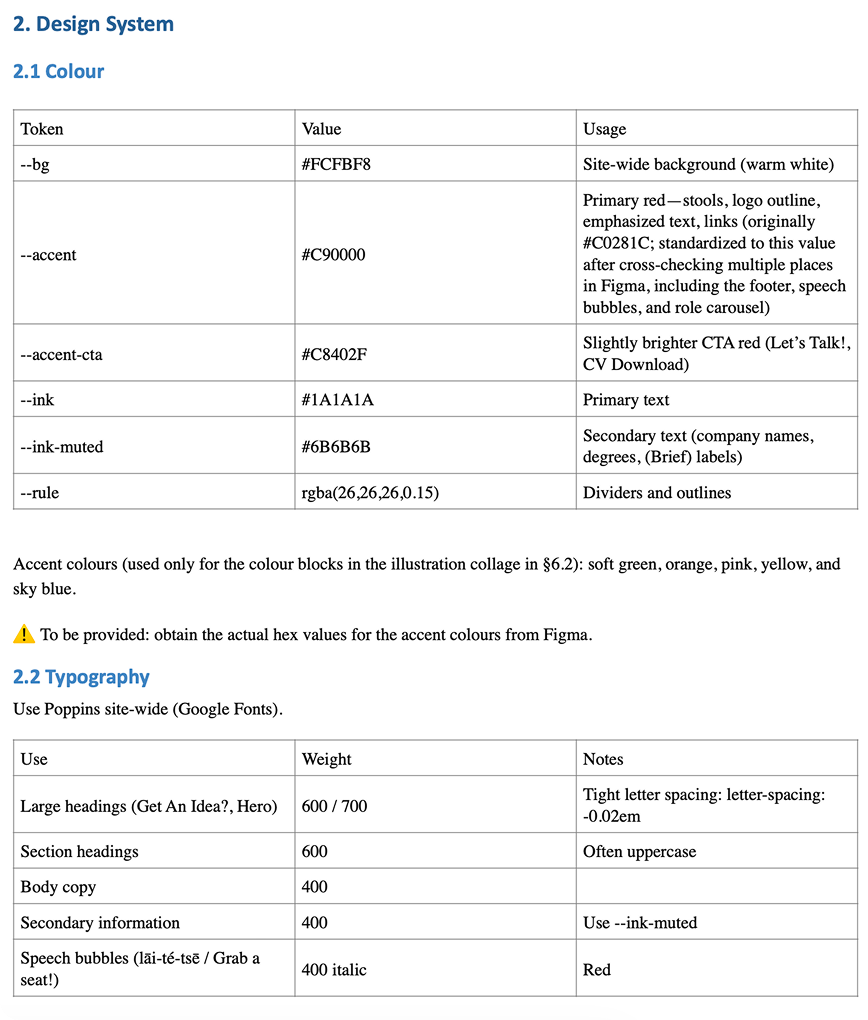
So I wrote a development spec: site structure, content hierarchy, key interactions, design tokens, motion rules, and acceptance criteria for every section. Anything unresolved is marked ⚠️, with one standing rule: don’t invent content for anything marked ⚠️, stop and ask. AI reads it before every new task. It became the shared baseline for the build, and the reference I argue against when something comes back wrong.
Design Process
The Collaboration Loop
Each tool does the part it’s actually good at.
I design the layout and visual system in Figma, then pass it into Cursor through Figma MCP and build with Claude. Every session opens with the spec, so the build and the design stay on the same ground.
For anything complex, an animation, a tricky interaction, I draft and test the instruction in Claude first, then bring the settled version into the build. Ten minutes up front, one fewer round of rework caused by a vague prompt.
Images run on a different loop: I define the scenario and gather references myself, use ChatGPT to turn that into an image description, then generate in Gemini or Google AI Studio depending on the resolution I need.
AI speeds up execution. I set the direction, judge the result, and decide what happens next.
流程分成三條線。主線:開發規格書(站台結構、內容層級、關鍵互動、設計 token、動效規則、 每一區的驗收條件)先寫好,AI 每接一個新任務前都要先讀;標記 ⚠️ 的地方一律停下來問, 不自行編造。接著在 Figma 完成版面與視覺,透過 Figma MCP 傳進 Cursor,由 Claude 建置成品; 複雜的互動會先在 Claude 裡演練過指令,再帶進正式建置。 素材線:我先定義場景與蒐集參考,交給 ChatGPT 轉成圖像描述,再依需要的解析度到 Gemini 或 Google AI Studio 生成素材。 第三條線是回饋:我決定方向、判斷結果、決定下一步——可行就併入,卡住就換方法解決, 而所有在這裡做出的決定都會回寫進規格書。
Making assets with AI · 01
Product visuals
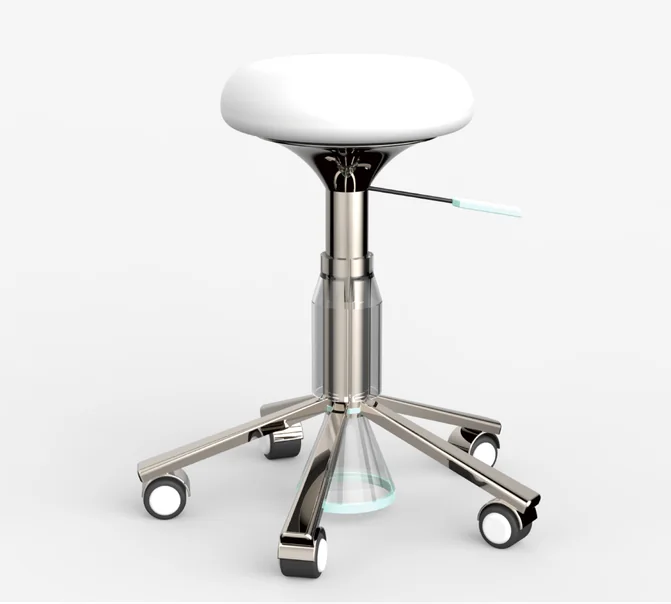
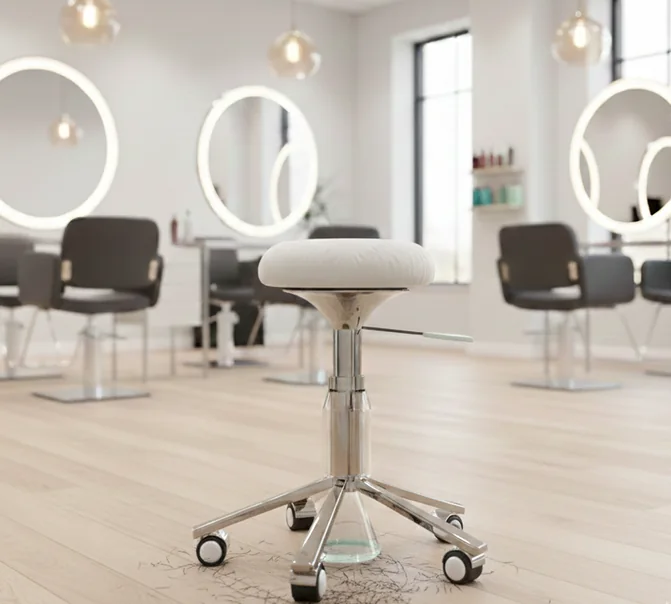
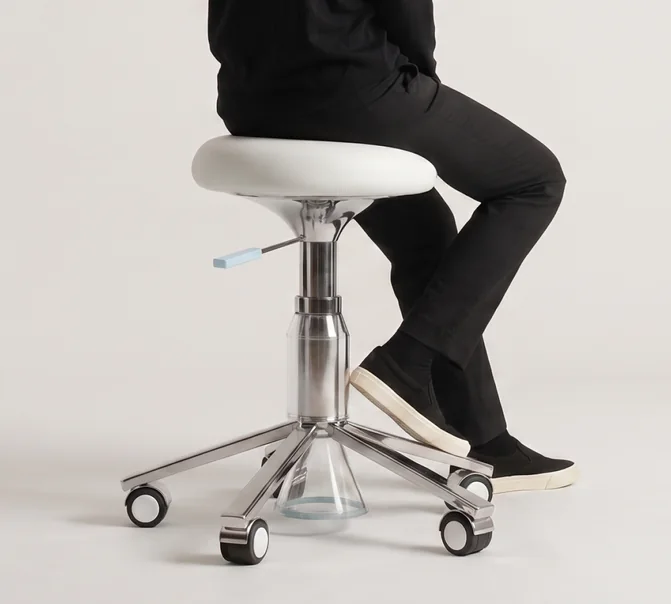
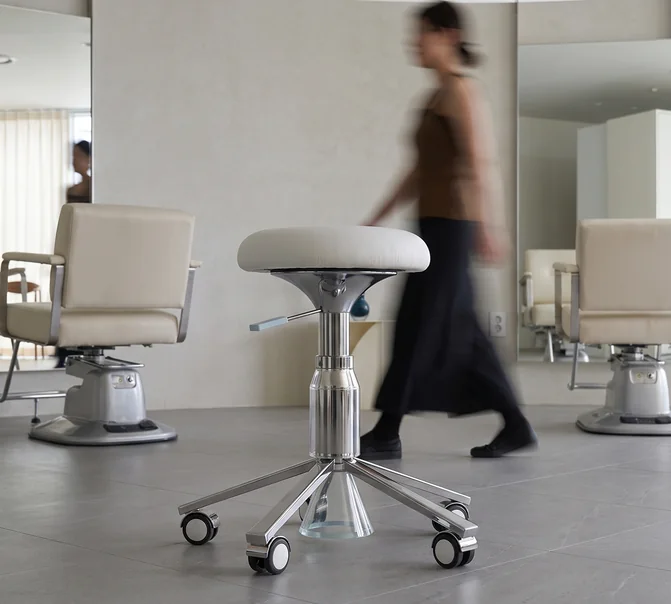
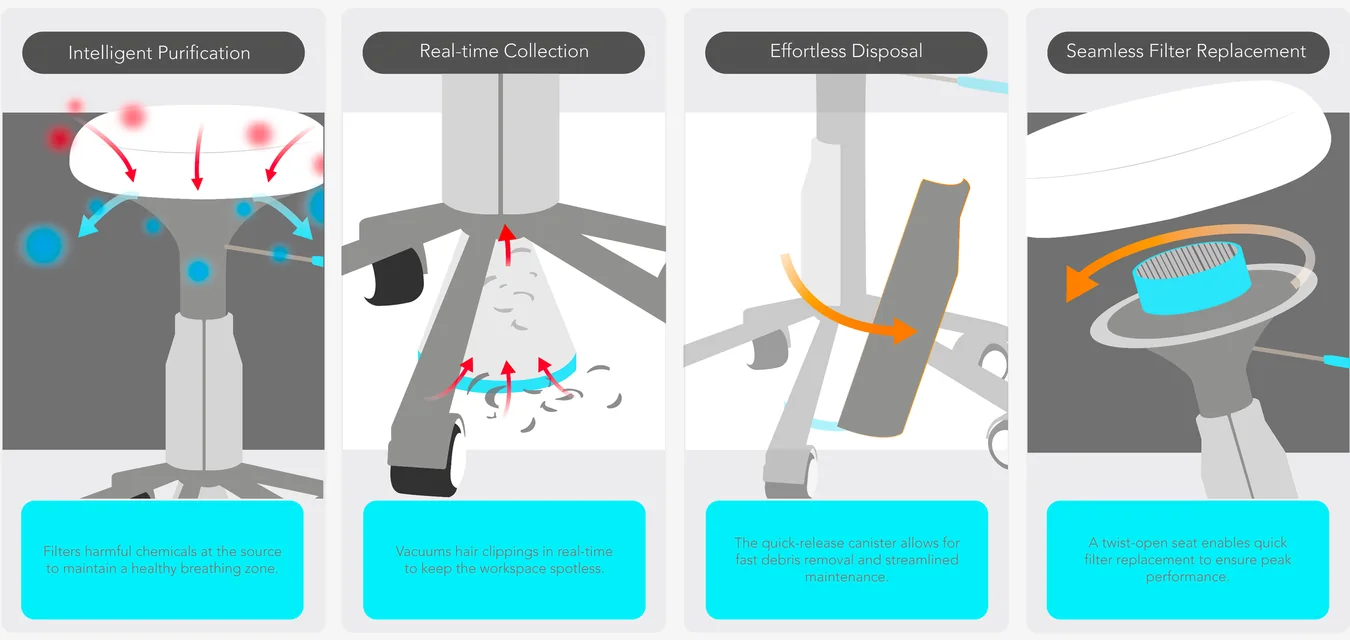
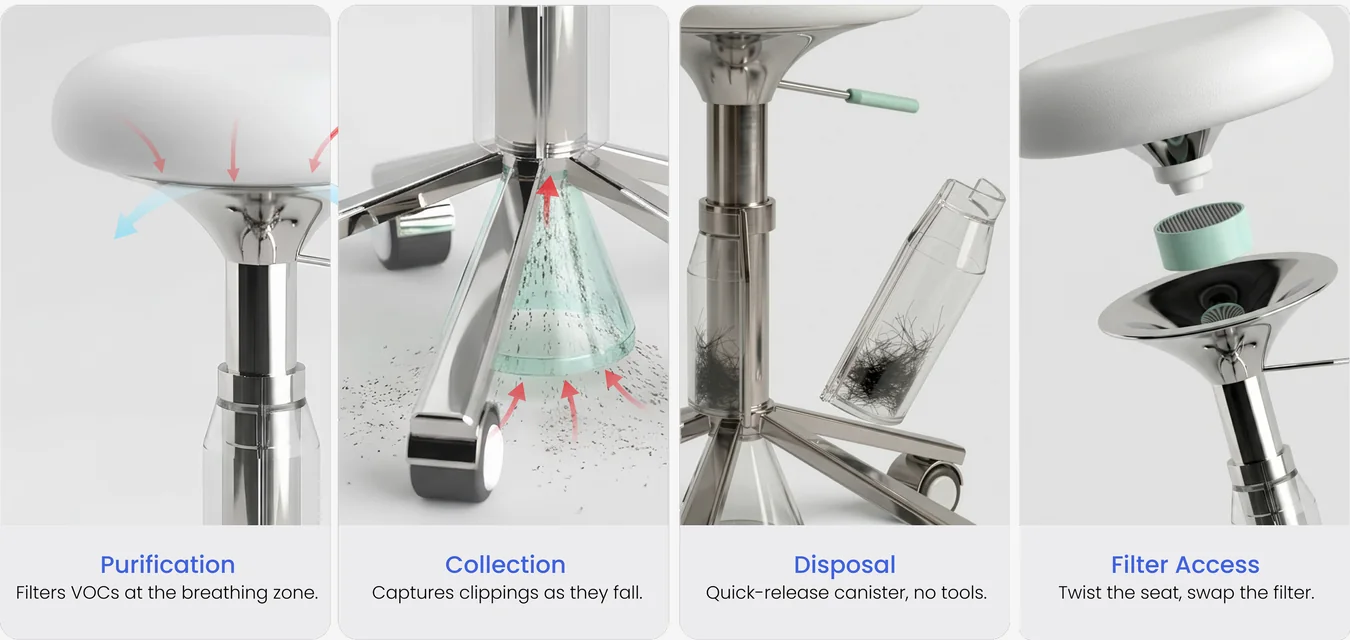
Updating the Aerov project, I wanted the product shown in a real situation rather than floating on a plain background.
Instead of asking for “a product photo”, I defined the scene first, the environment, the light, who’s holding it, what the shot needs to say, and collected references so the direction wasn’t only in my head. Then I adjusted the description in small steps rather than rewriting the whole prompt each time. Setting the conditions before generating got me close to the intended image in far fewer attempts. The prompt wasn’t the skill. Knowing what the image had to do was.
Making assets with AI · 02
Motion & Animation
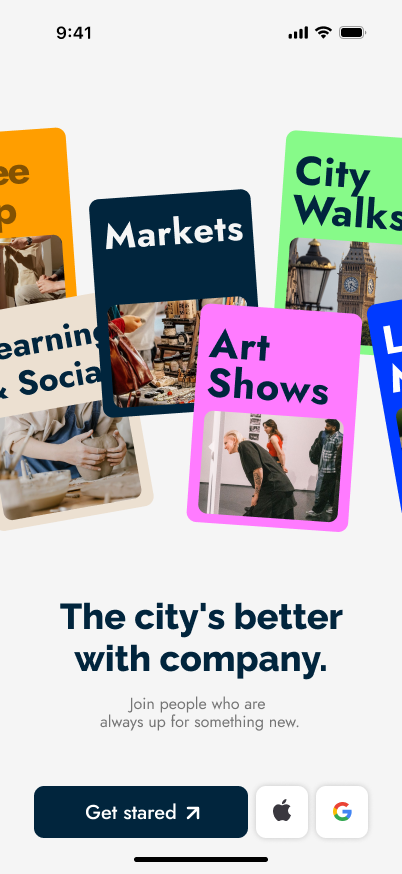
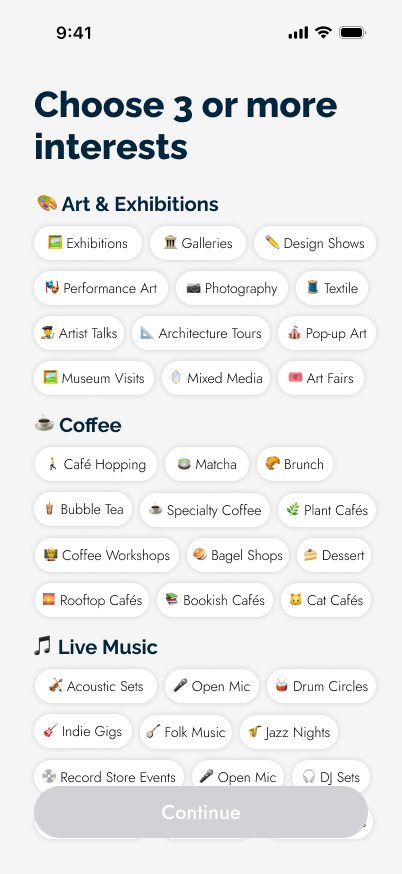
For Suisui and WanderBuddy, a static UI screenshot didn’t say what the product does. So the case pages open with a carousel animation, the interaction is visible in the first few seconds instead of described in a caption.
I built the first version the way I always had, in Figma. Then I compared: a Figma prototype I’d have to rebuild in code anyway, against implementing it directly in HTML with AI and tuning it live. For web interaction the second one was faster and the result was the real thing, not an approximation of it. That moved where the work happens. The browser became part of my design process, not just the place the design ends up.









 12345
12345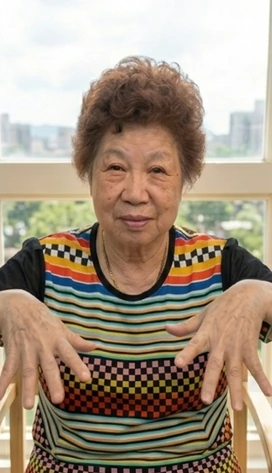


 12345
12345Where AI Fell Short
Knowing when to stop is also a design decision.
For the Suisui arm-swing exercise animation, I wanted the motion to carry weight, a real swing, not a polite wave.
I gave a written description. Then references. Then a video of myself doing the movement. AI still couldn’t produce the full motion consistently. After a few rounds it was clear the problem had stopped being my prompt. It was a limit in what the model could do with this kind of motion, and no amount of rewording was going to move it.
So I stopped chasing a perfect output. I took the one second that worked and finished the asset by editing.
When keeping a collaborator on track costs more than solving it another way, switching is the cheaper decision. That’s true of AI, and it’s true of people.
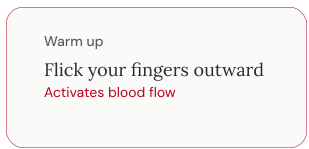
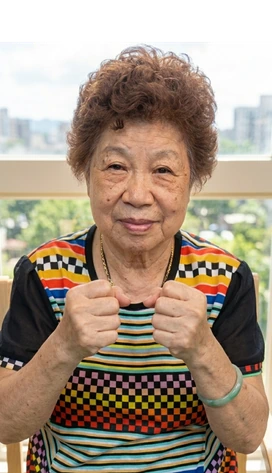
四段並排的示範影片,分別是四次讓 AI 生成「甩手運動」動畫的嘗試:第一次嘗試:改寫提示詞。生成的手臂只有小幅擺動,沒有揮動的力道。 第二次嘗試:補上參考圖。動作範圍仍然偏小。 第三次嘗試:自己錄一段示範影片餵給模型。手臂軌跡還是不完整。 第四次嘗試:換一個模型。擺動的重量感依然沒有出來。
Fig 6. Four attempts: rewriting the prompt, adding references, filming myself doing the movement, switching models. The weight of the swing never came through.
Fig 7. In the end I took the closest second that worked and finished the asset by editing.
What This Changed
Being specific turned out to be a design skill.
I used to design a lot by instinct. A decision felt right and I didn’t always stop to explain why. AI doesn’t work that way, it won’t guess what I meant, so I got much more precise about saying what I wanted, and about writing it down instead of keeping it in my head.
The shift wasn’t really about AI. It was realising that being specific up front saves time with any collaborator. I brief engineers differently now, and my handoffs look a lot more like that spec.
I designed this site. Then I built it.